
Choosing the right Universal Power Adapter is less about finding one device for every situation and more about matching its limits to your equipment. A compact adapter may fit neatly beside your passport, yet still lack the voltage range, plug type, or power capacity your devices require. Check each device’s input label before packing. Small print matters.
Electrical safety experts often stress a simple principle: “Match the adapter’s output to the device’s input, and never assume that a plug fitting means the power is compatible.” This is practical guidance, not a verified quotation from a named industry expert; I won’t attribute it to someone without a reliable source. That distinction matters when choosing equipment you’ll rely on abroad.
This guide walks through 12 useful checks, from plug compatibility and voltage support to USB ports, wattage, build quality, and safety markings. You’ll learn what to inspect on a charger label and how to avoid common mismatches, such as connecting a high-powered laptop to a low-wattage adapter. Not every product claim is equally clear. Some labels deserve a second look. Use these tips to compare options carefully, while remembering that an adapter may change plug shape without converting voltage.
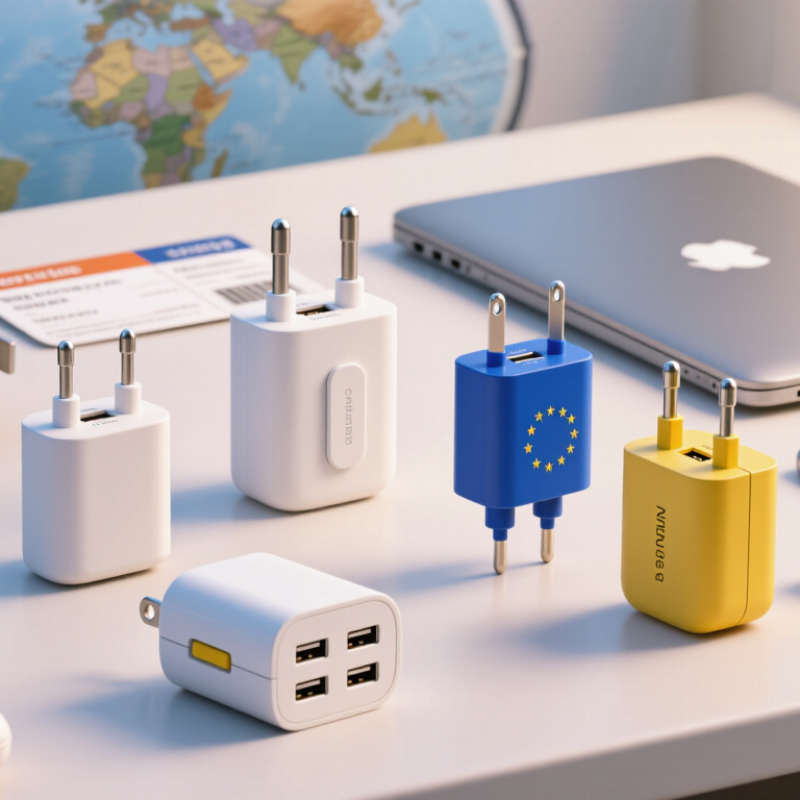
Before packing a universal power adapter, identify the exact plug type used at your destination. A country may use more than one socket design, especially across older buildings and renovated hotels. Check a current plug reference and compare its diagrams with the adapter’s listed plug shapes. Similar-looking pins can differ in spacing, thickness, or angle. Small differences matter.
Then consider the physical socket, not just the country label. Some outlets are recessed, so a bulky adapter may not sit securely. Others have grounding contacts that a compact travel adapter cannot connect. Look for clear product details showing supported plug types and grounding features. At home, test the adapter in a matching outlet and gently check whether it stays firm. A loose fit can interrupt charging or expose pins.
I once assumed “universal” meant every socket would accept it. That was too optimistic. An adapter changes the plug shape; it does not automatically convert voltage or frequency. Check the voltage printed on each device, too. If the outlet is recessed or unusually narrow, a small adapter may still fail to reach the contacts. Leave room for uncertainty. A country-wide guide cannot guarantee the exact outlet in your room.
Before packing a universal power adapter, read its input label, not just the list of plug shapes. Look for “Input: 100–240 V AC, 50/60 Hz.” This range means the adapter is designed to accept common mains voltages across many destinations. It does not automatically mean it converts voltage for a device plugged into it. That distinction is easy to miss.
The International Electrotechnical Commission’s IEC 60038 standard identifies 230 V as a standard supply voltage; local systems and conditions can vary. A 100–240 V rating therefore offers useful coverage, but check the adapter’s stated limits and your device’s own input label. A laptop marked “100–240 V” can generally accept that range; a single-voltage appliance may need a separate voltage converter. Check frequency, too. A tiny travel adapter may change the plug shape only. It may not transform voltage at all. That’s the catch. In practice, inspect the print near the adapter’s prongs, where the rating is often small, and compare it with the charger label before departure. I’ve found this step easy to rush, especially when several chargers look alike. A phone charger and a heating appliance do not necessarily have the same requirements. When the label is unclear, don’t guess.
A universal adapter is only universal when its electrical output matches the device. Read the label near the power jack or in the manual: a device marked 12 V DC, 2 A needs a regulated 12 V DC supply rated for at least 2 A. Higher available current is usually acceptable; higher voltage is not. Even a small voltage mismatch can cause overheating or prevent startup. Check the plug, too. A barrel connector marked center-positive must receive the same polarity. A perfect fit can still be wrong.
Treat the label as a specification, not a suggestion. IEC 62368-1, the safety standard for audio/video and information technology equipment, addresses safeguards against electrical and thermal hazards; it does not make mismatched outputs safe. The U.S. Department of Energy’s 2016 external power supply rule evaluates supplies by output power and operating efficiency, reinforcing that ratings describe real operating conditions. They are not interchangeable numbers. For example, a 12 V, 1.5 A adapter may fail with a device that draws 2 A, especially at startup. Check voltage, current, AC or DC output, and polarity before connecting. Then inspect the adapter label again. Easy to overlook. Universal adapters can have selectable voltage settings or reversible tips. I once focused on the plug and missed the voltage selector; that is exactly the kind of rushed check worth correcting.
A universal power adapter is most useful when it matches the devices you actually carry. For supported charging up to 240 W, look for USB-C Power Delivery 3.1. That ceiling can serve some high-demand laptops, but it does not mean every USB-C port or charger delivers 240 W. Check the adapter’s listed output, your device’s charging requirements, and the cable’s power rating before buying.
Power is shared in some multi-port adapters. Plugging in a phone beside a laptop may change the output available to each port. Read the port-by-port specifications, not just the largest number printed on the packaging. A compatible cable matters, too. For top-end power, use a cable rated for that level, and make sure the device supports the relevant charging profile. Details matter here.
I once assumed a high-wattage adapter would charge any laptop at full speed. It did not; the laptop set the limit. That was a useful reminder, though I still find dense specification tables easy to misread. Choose a compact adapter with clear output information and suitable plug options for your trips. Then test it with your own devices before relying on it for a long workday.
USB PD 3.1 Extended Power Range (EPR) supports up to 240 W at 48 V and 5 A. Actual charging power depends on the adapter, cable, and device; all must support the required power level.
Choosing a universal power adapter is not just about finding the right plug shape. Check the total rated output in watts and compare it with the devices you plan to charge. A laptop may need far more power than a phone. If you connect several devices, the adapter’s total output is shared, and individual ports may have separate limits. Read the small print on both the adapter and your device. It is easy to overlook.
Tip: Add up the power needs of devices you may use at the same time, then leave some headroom. For USB-C charging, check the stated output for the specific port, not only the headline wattage. A compact adapter can list a high total figure while providing less power through one connection. That can mean slower charging. Annoying, but useful to know before a trip.
Check the product documentation and label for IEC 62368-1 safety certification information. Look for a clear reference to the standard and verify that it applies to the exact adapter model, rather than relying on vague wording like “safety tested.” Also confirm the adapter supports the input voltage used at your destination. A universal plug does not necessarily convert voltage. I once assumed it did; that was a careless assumption. If certification details or output ratings are unclear, choose another option.